A guided tour from planning to recovery
See how FinanceTracking.app fits into a real month.
Follow the routine from the first plan through daily transaction review, month-end reporting, and recovery. Open any screen for a closer look.
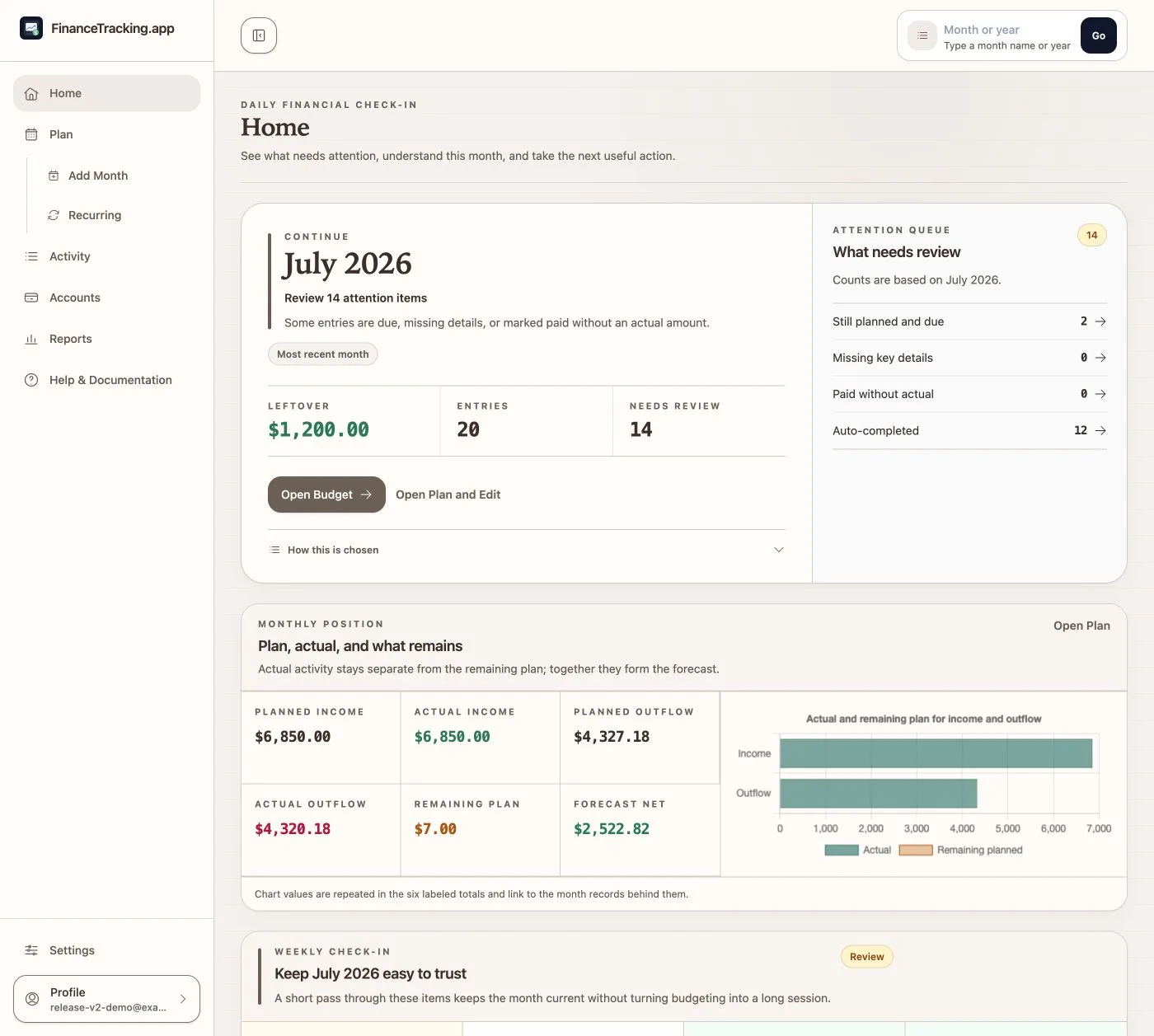
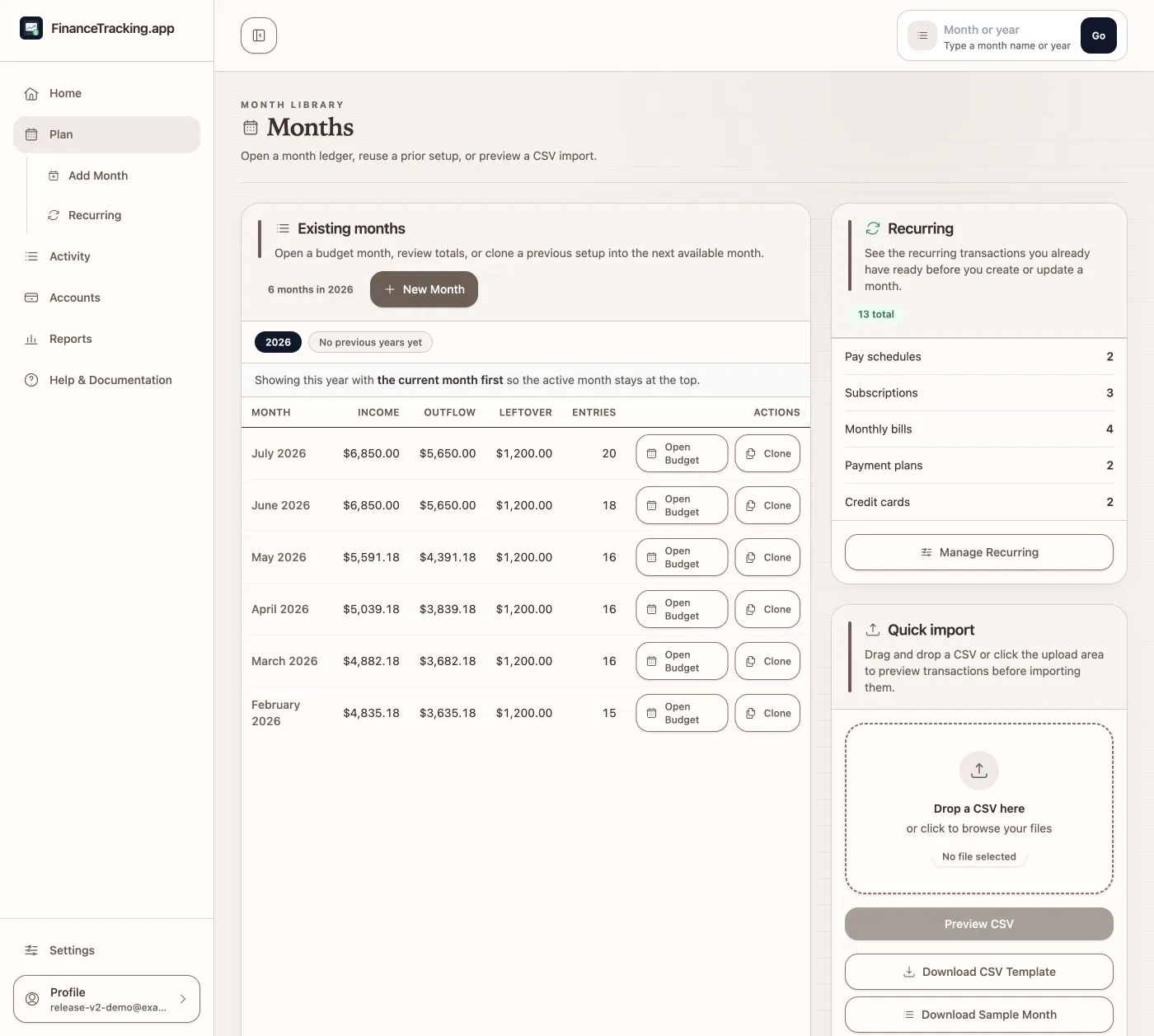
01 · Home and Plan
See what needs attention, then choose the month.
Home shows what changed and what to review next. Plan keeps past months and the next-month choices in one place.
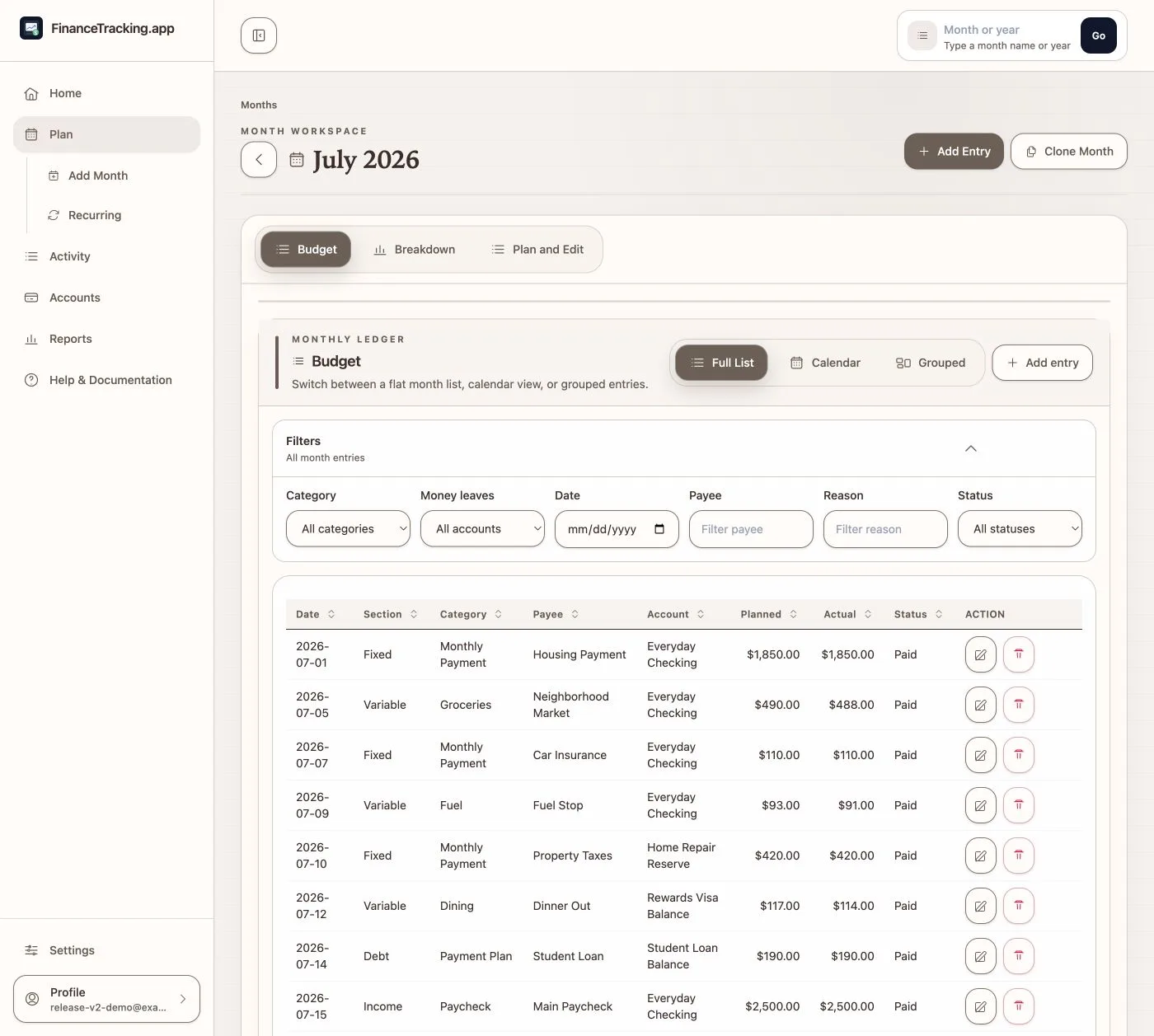
02 · Build the month
Work the plan without losing sight of the month.
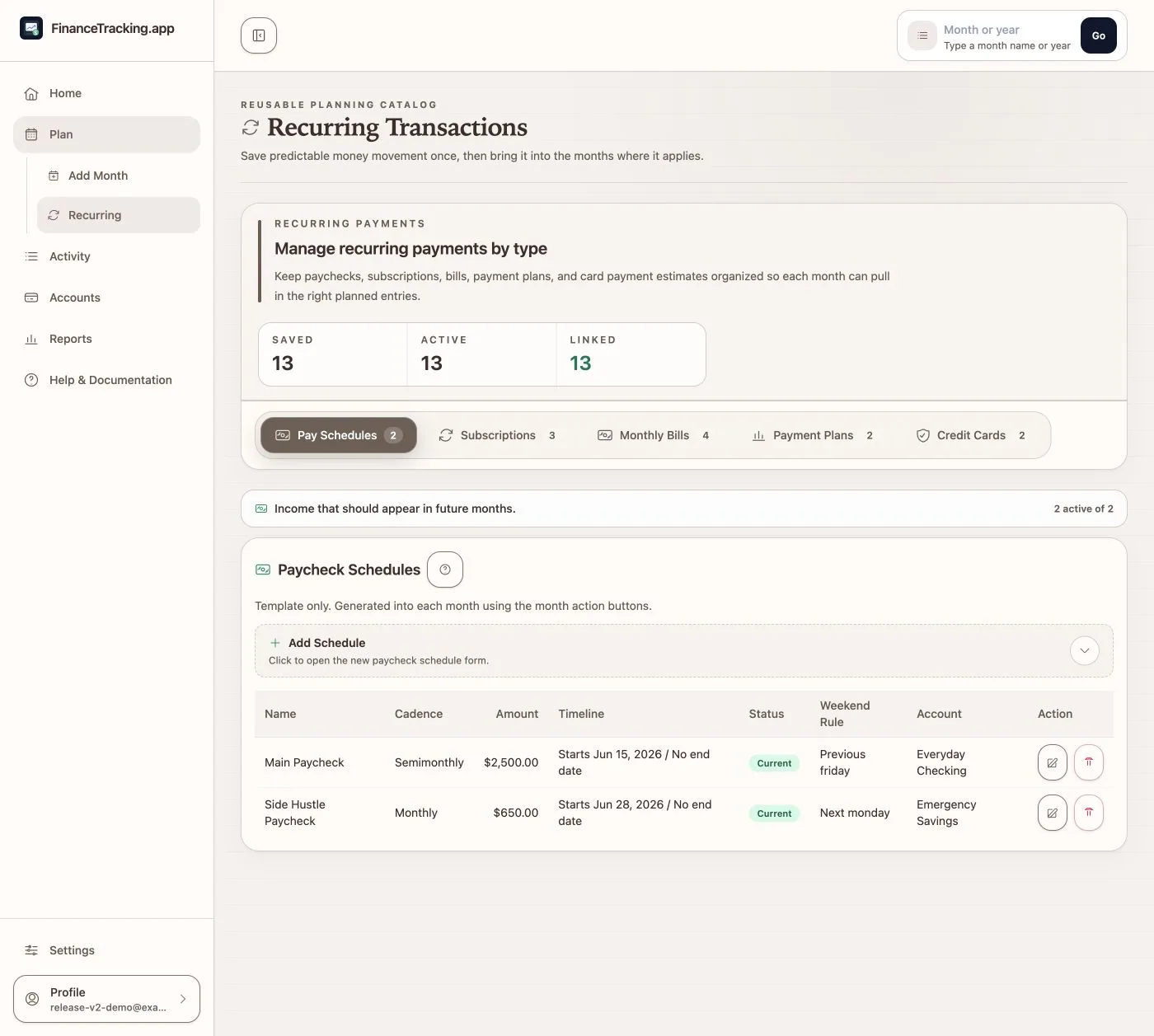
Use Budget, Breakdown, Calendar, or Plan and Edit without leaving the month. Save recurring income and bills so next month's setup starts with less typing.
03 · Review activity
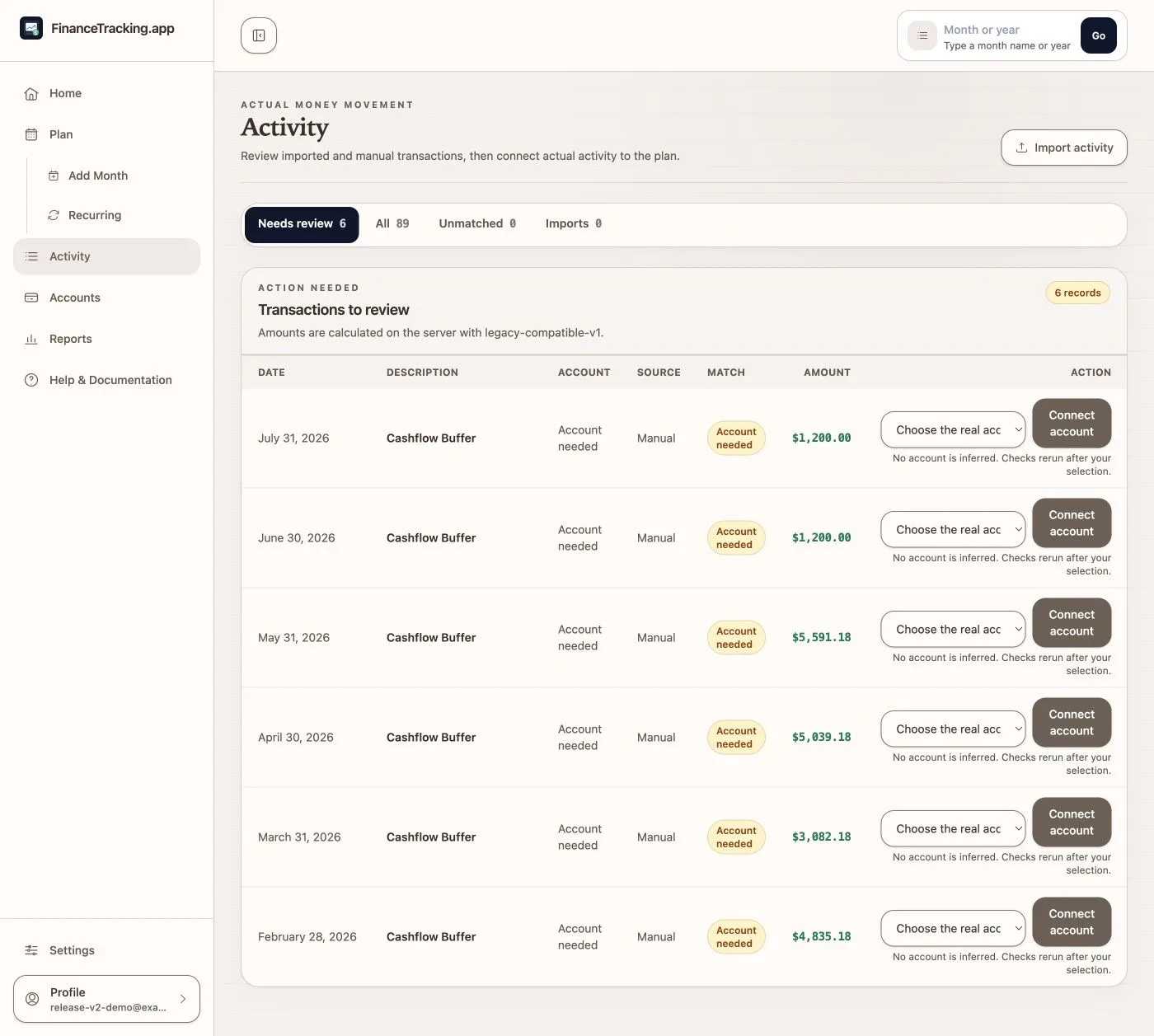
Connect real transactions to the plan and keep a clear history.
Activity shows which transactions still need attention and lets you fix a match without losing what happened. Confirmed account activity imports continue in the background, so you can leave and return to their saved status.
04 · Check accounts
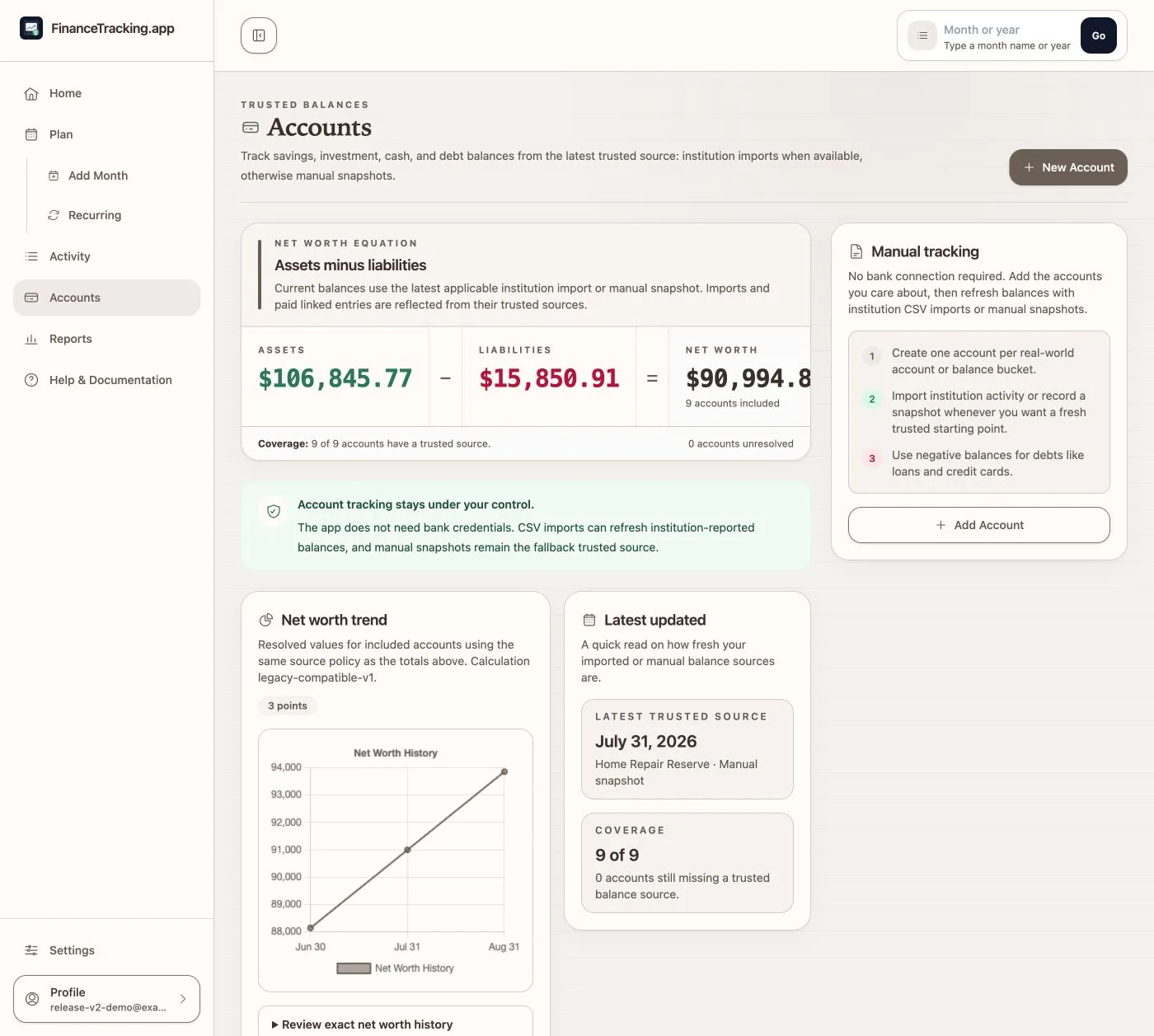
See the balance, then understand what changed it.
Accounts brings confirmed balances, expected movement, and net worth together. Every chart keeps exact amounts and account details within reach.
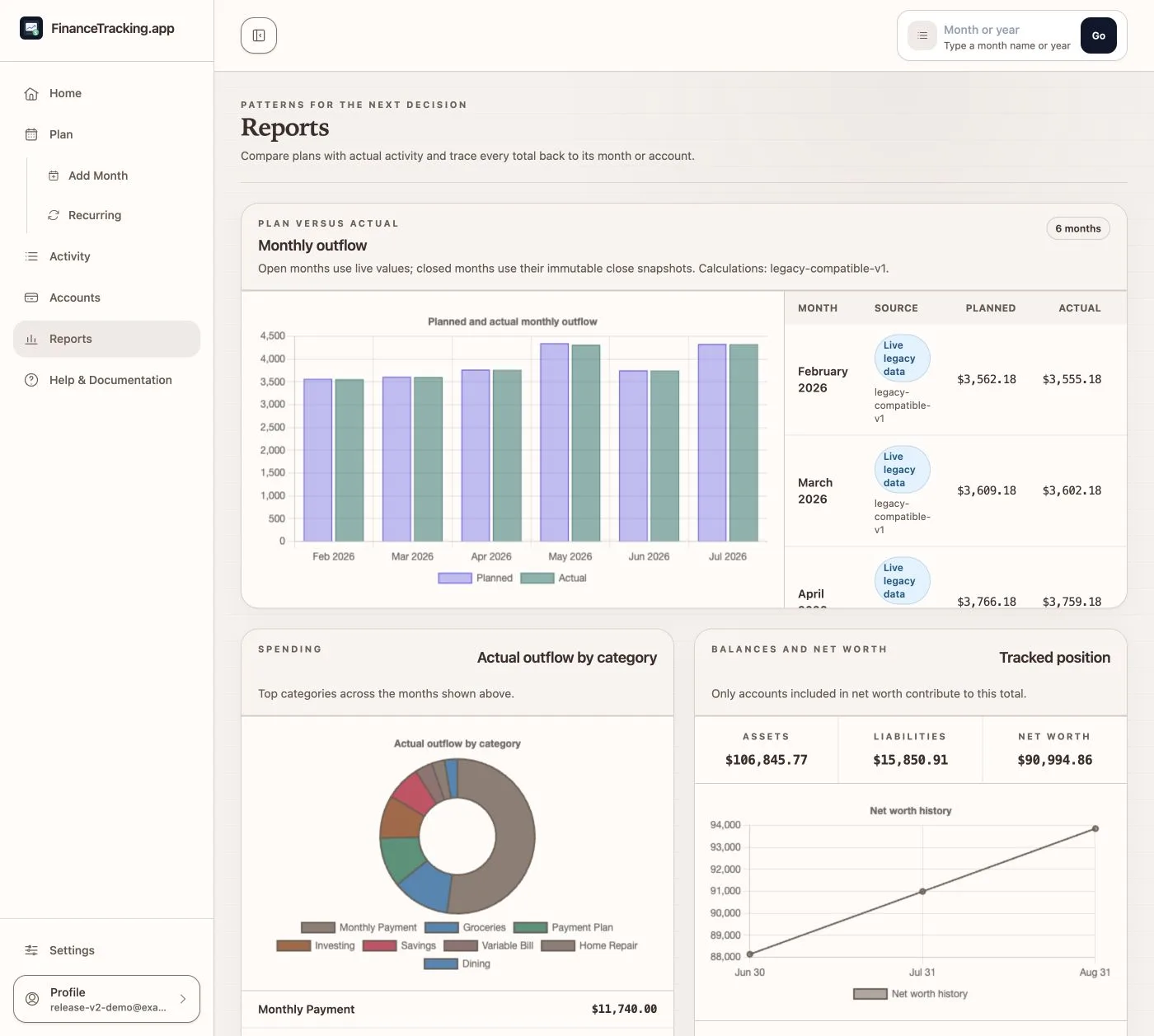
05 · Understand reports
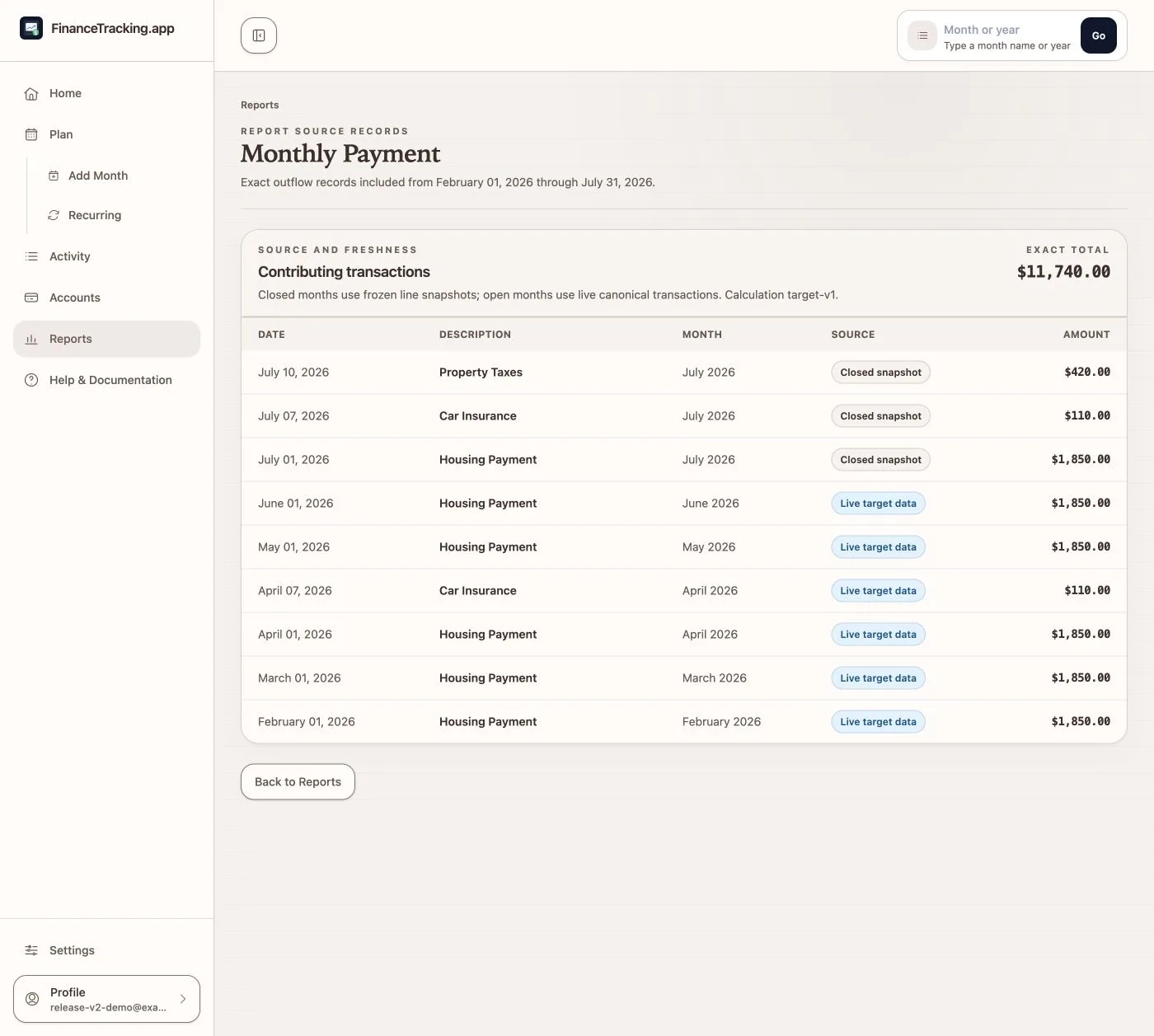
See the pattern, then open the transactions behind it.
Reports pairs spending and net-worth charts with exact amounts, clear definitions, and links to transaction details. Saved month-end totals stay visibly separate from a still-open month's changing totals.
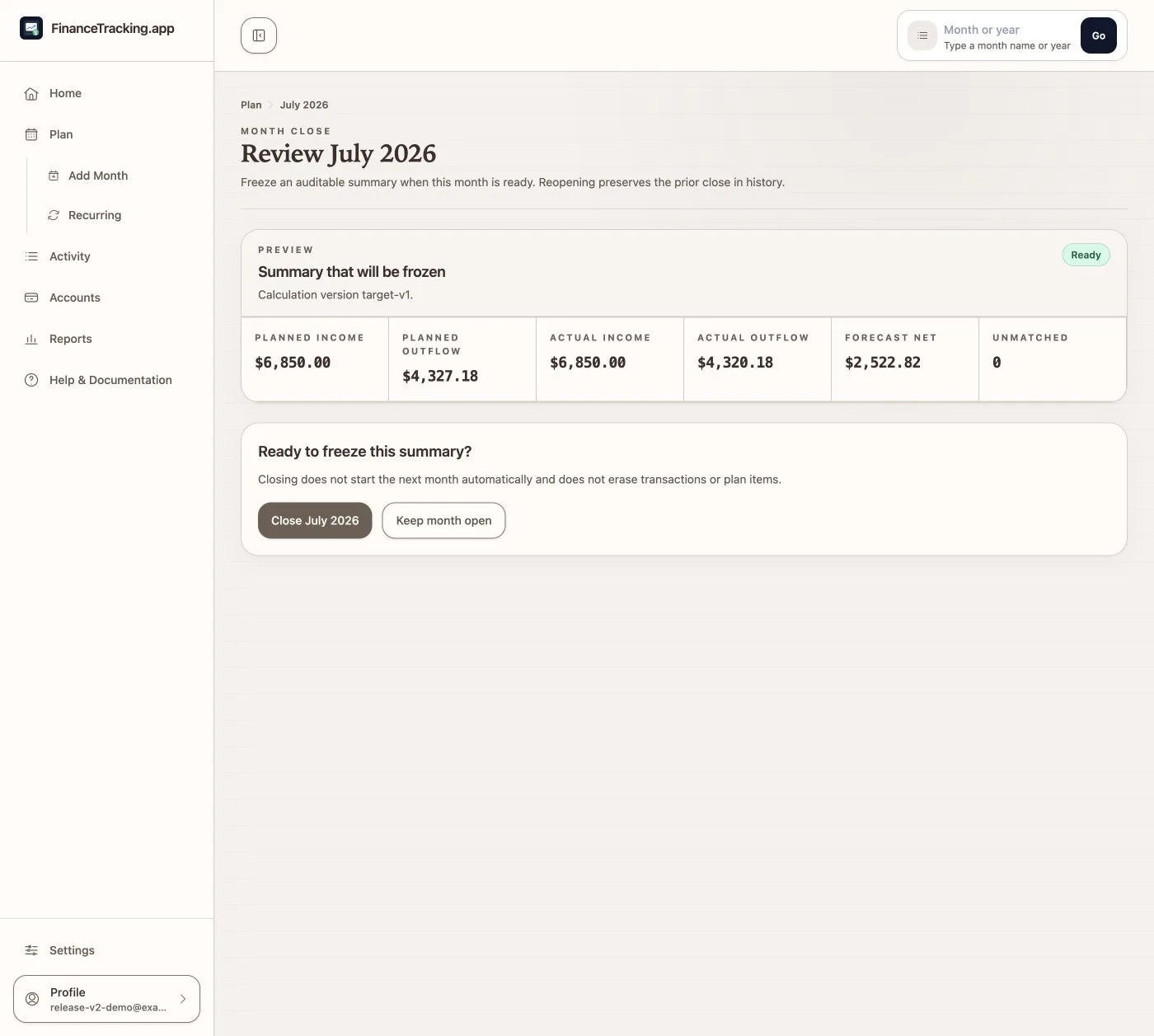
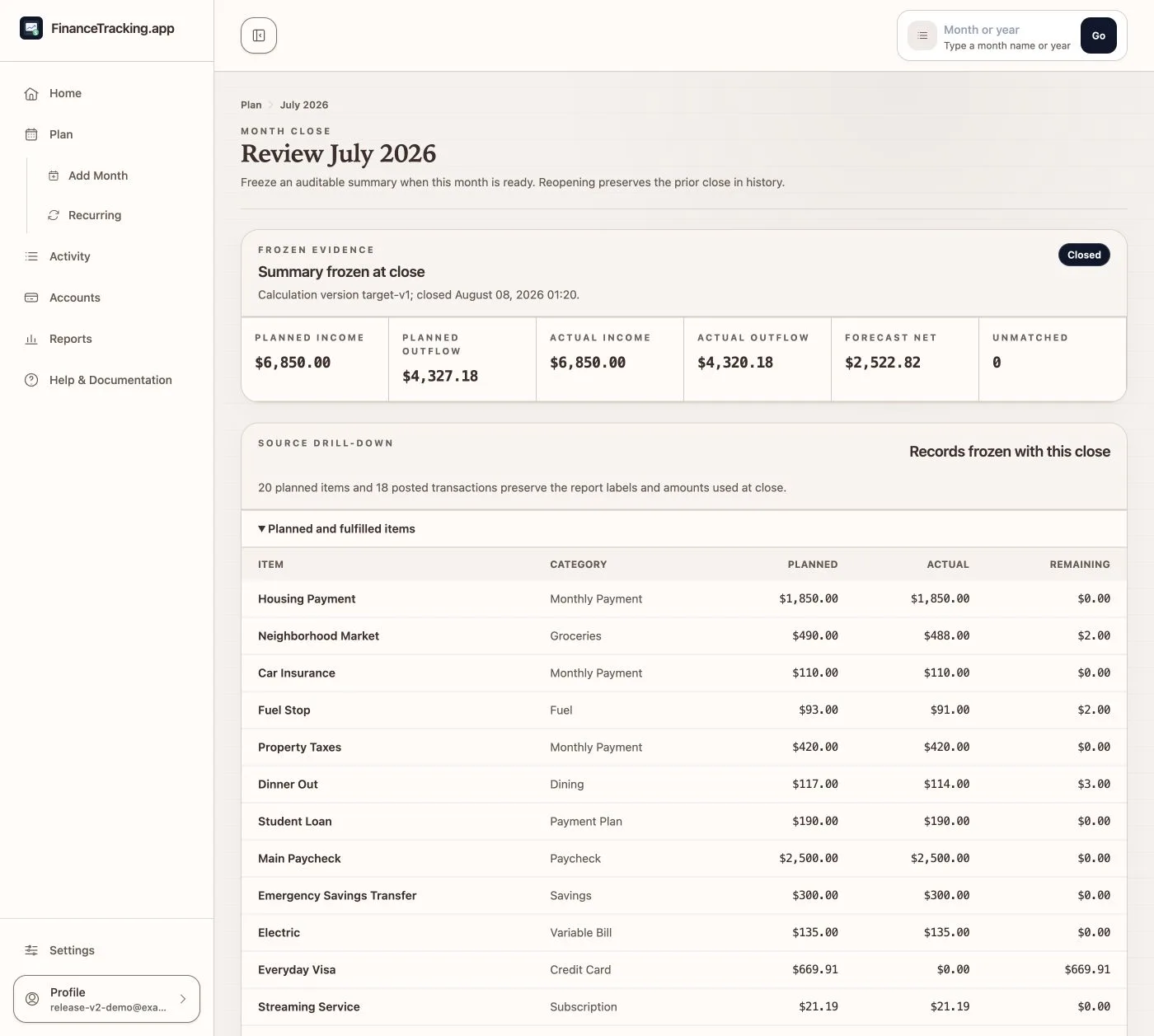
06 · Close the month
Finish the month only after reviewing the numbers.
See the final totals before you close. A closed month keeps the plan, transactions, and report totals together, and you can reopen it if something arrives late.
07 · Recover your data
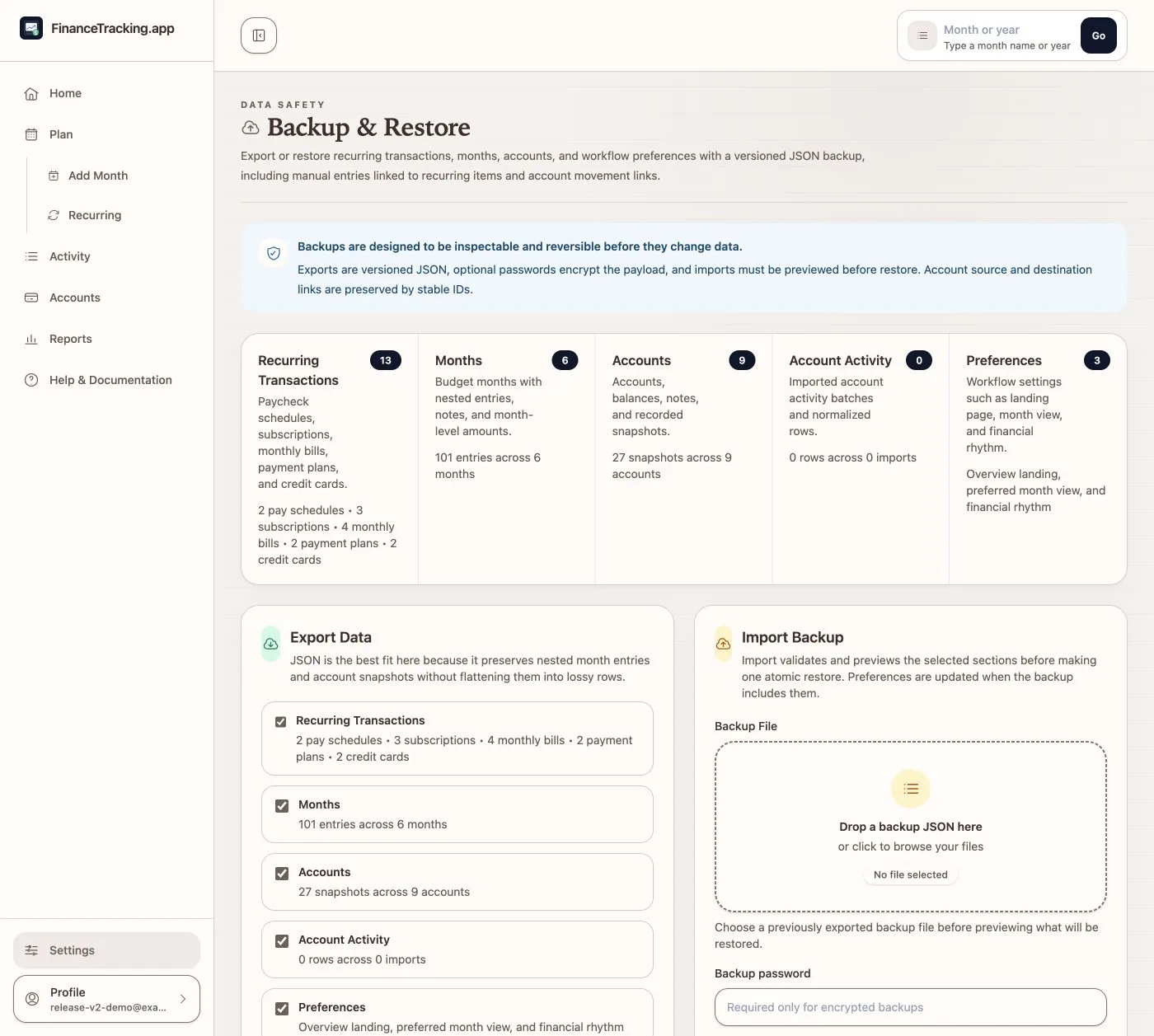
Make a backup you can inspect before restoring.
Choose what to include, add a password if you want, and return when the background export is ready. Preview any restore first; after confirmation, it continues in the background and keeps a temporary recovery copy for seven days.
Use this tour while you plan your first month.
The guide follows the same routine: plan, record transactions, check balances, read reports, close the month, and keep a backup.