1. Getting started
Why self-host it, how to install or update it, and how accounts, confirmed balances, and recurring items should be set up first.
Evaluating the app? Start with why to use it. Installing it? Start with self-hosting. Already using it? Jump into setup, planning, daily activity, reporting, month close, or recovery.
Why self-host it, how to install or update it, and how accounts, confirmed balances, and recurring items should be set up first.
Plan the month, record what happened, review the numbers, and close it when everything looks right.
Find your way around, read charts and exact values, follow background backup status, restore safely, and update the app.
Bring in read-only bank balances and transactions, review the evidence, then use the shared planning and reporting workflow.
Add accounts, record transactions yourself or import statements, review balances, and close the month. No provider subscription is required.
You can mix approaches account by account and connect later. Recurring setup is optional. Your timezone lives in Settings → Workspace.
FinanceTracking.app is best when you want reusable monthly planning, manual account tracking, CSV imports, and self-hosted backups instead of a hosted bank-sync account.
Follow the Docker setup in Getting Started before creating your first account or budget.
Go to Getting Started to back up your data, install an update, and confirm everything still works.
Go to Getting Started first if you are installing the app, adding accounts, learning Home, or connecting recurring items to account tracking.
Go to Monthly Workflow for the complete Plan, Activity, Accounts, Reports, close, and reopen routine.
Go to Reference for reading charts, protecting backups, restoring data, updating safely, or finding in-app help.
How the app fits together
The navigation mirrors the work: set up, plan, track, understand, close, and recover. Each total links back to the transactions behind it.
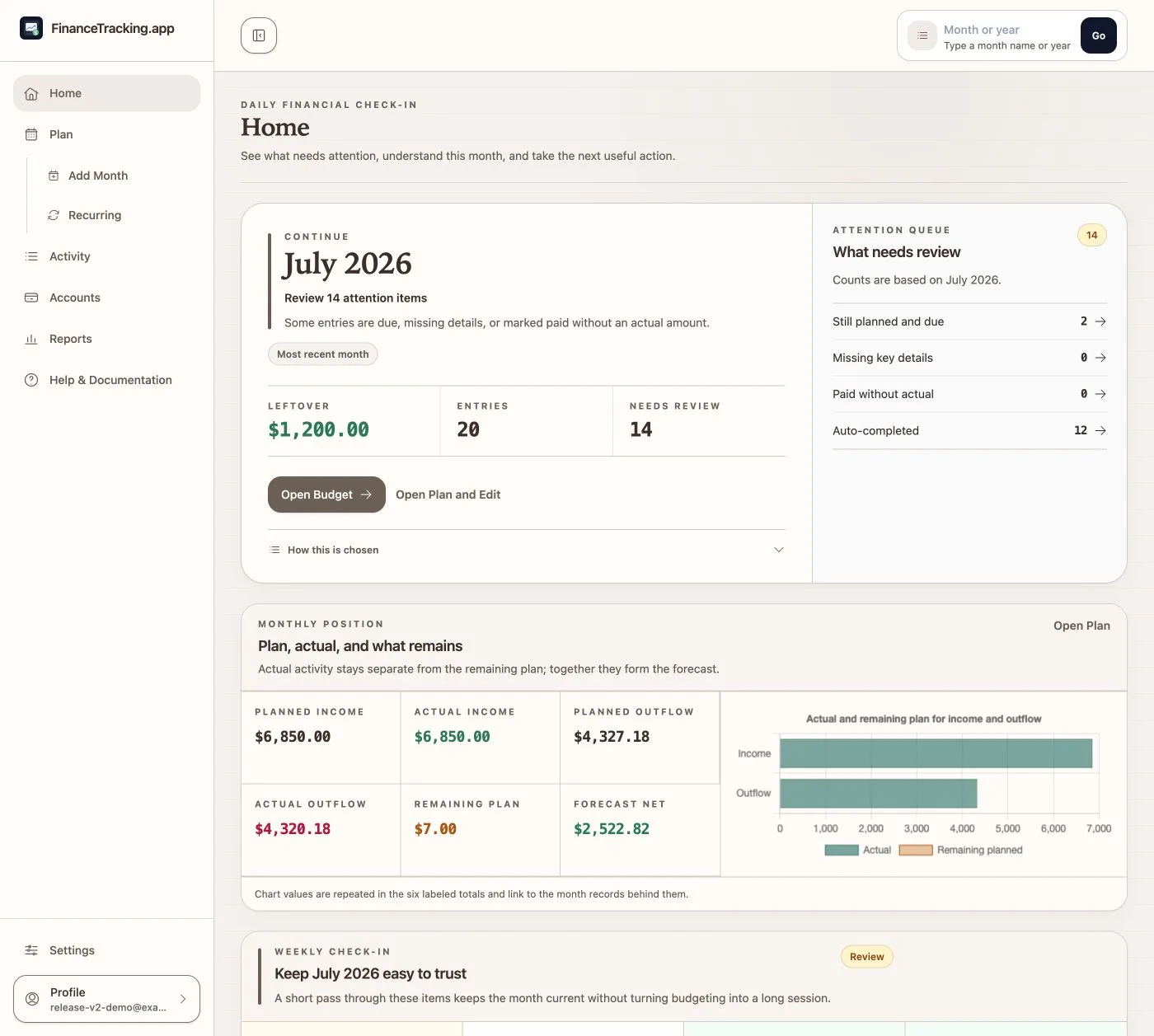
Home shows onboarding progress, the current financial position, and the records that need attention next.
Learn Home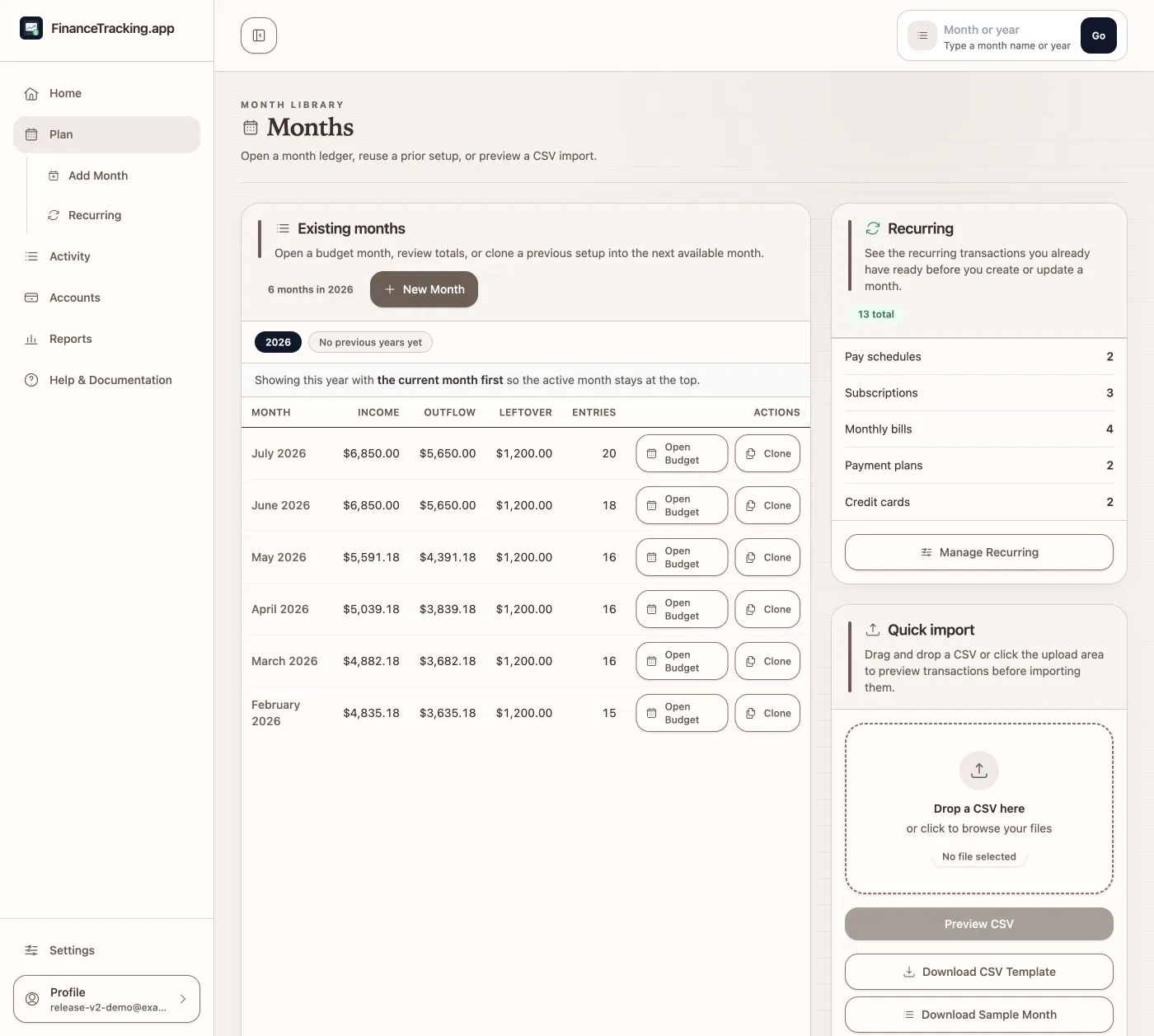
Plan is the month library. Create a clean period, clone useful structure, and compare planned, actual, remaining, and forecast values.
Plan the month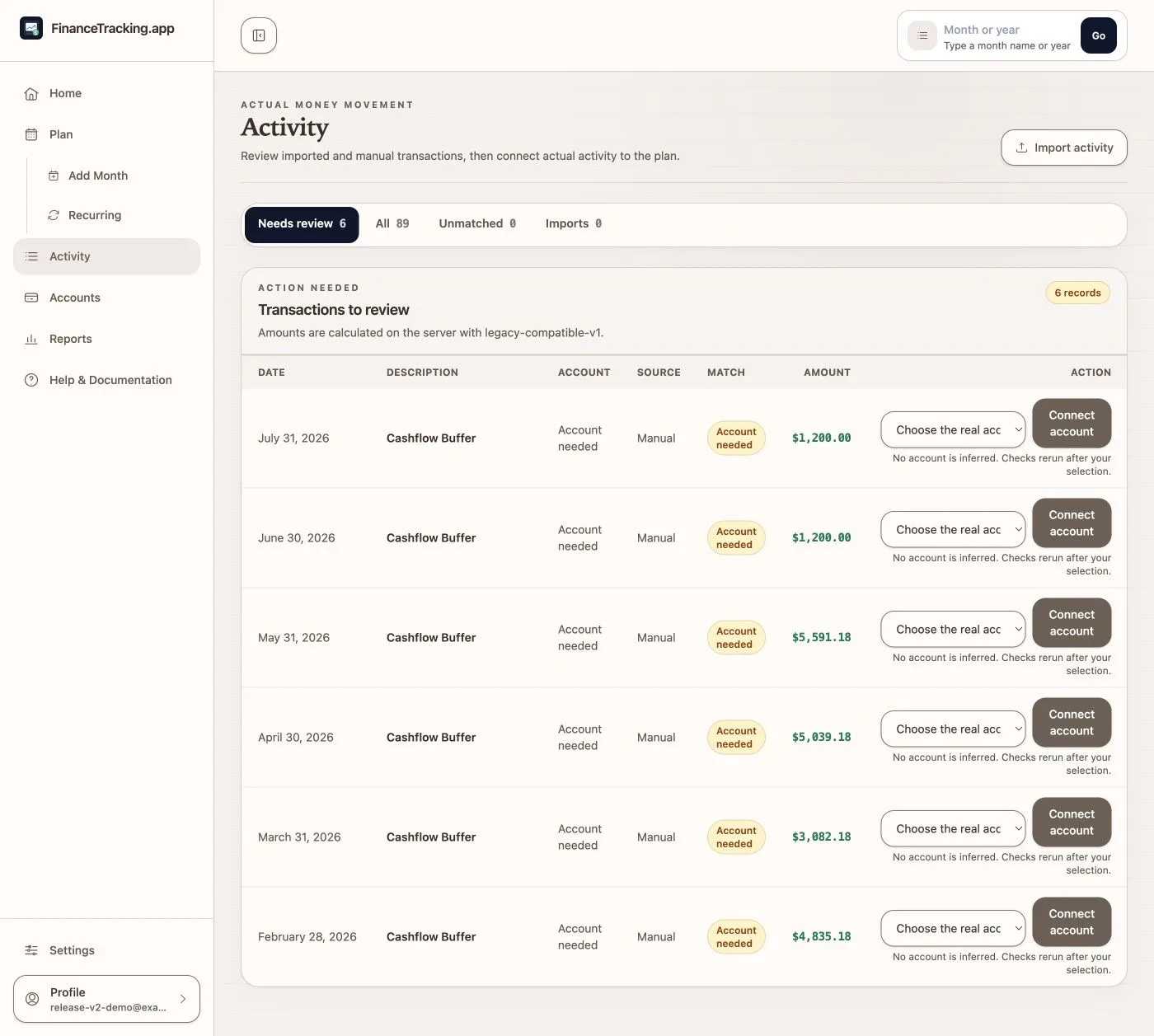
Activity keeps real transactions separate from the plan while letting you match, unmatch, correct, import, or reverse them deliberately.
Work with Activity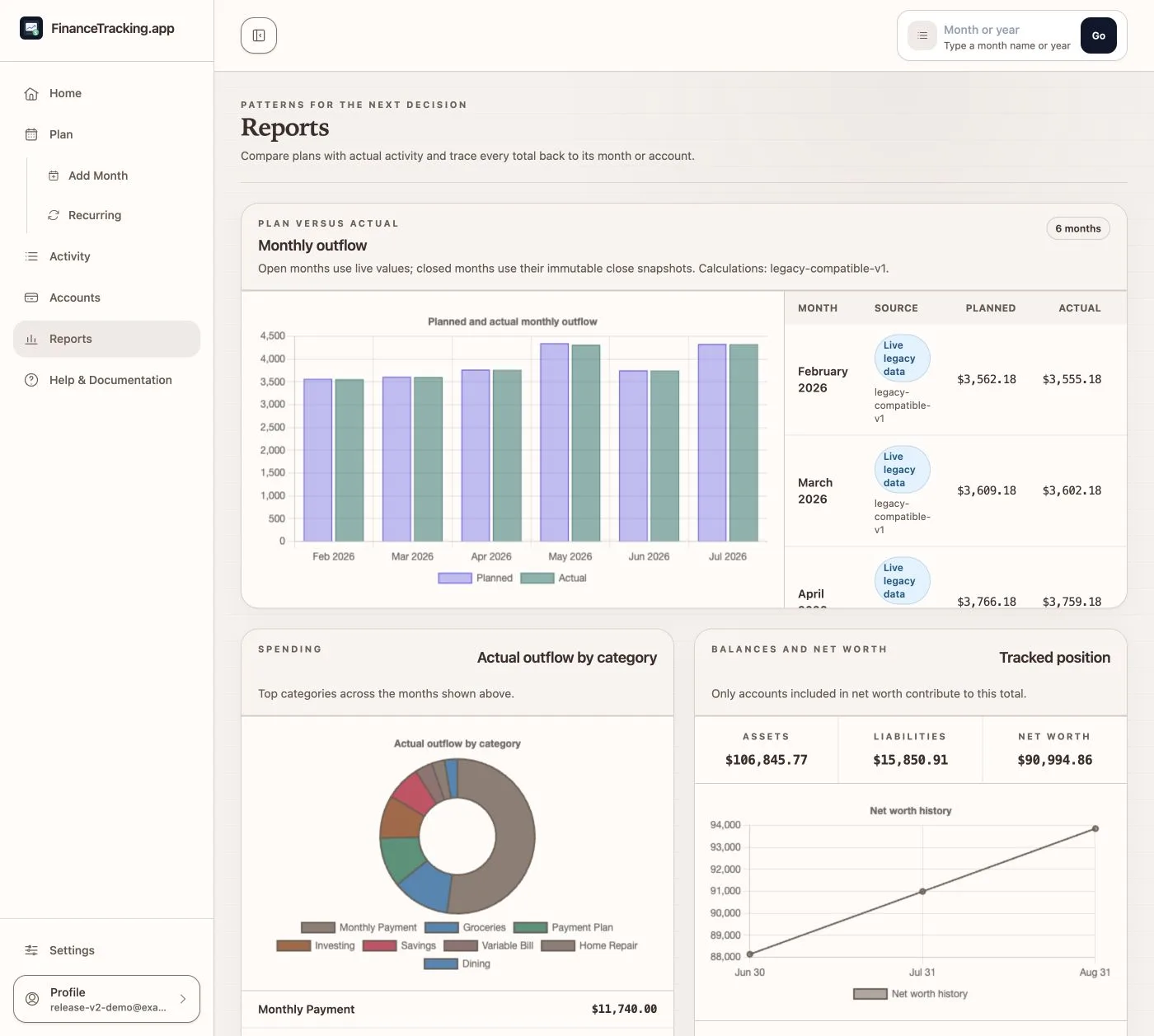
Accounts explains balances; Reports explains trends and categories. Open exact values or the transactions behind any total when you want to check it.
Read accounts and reports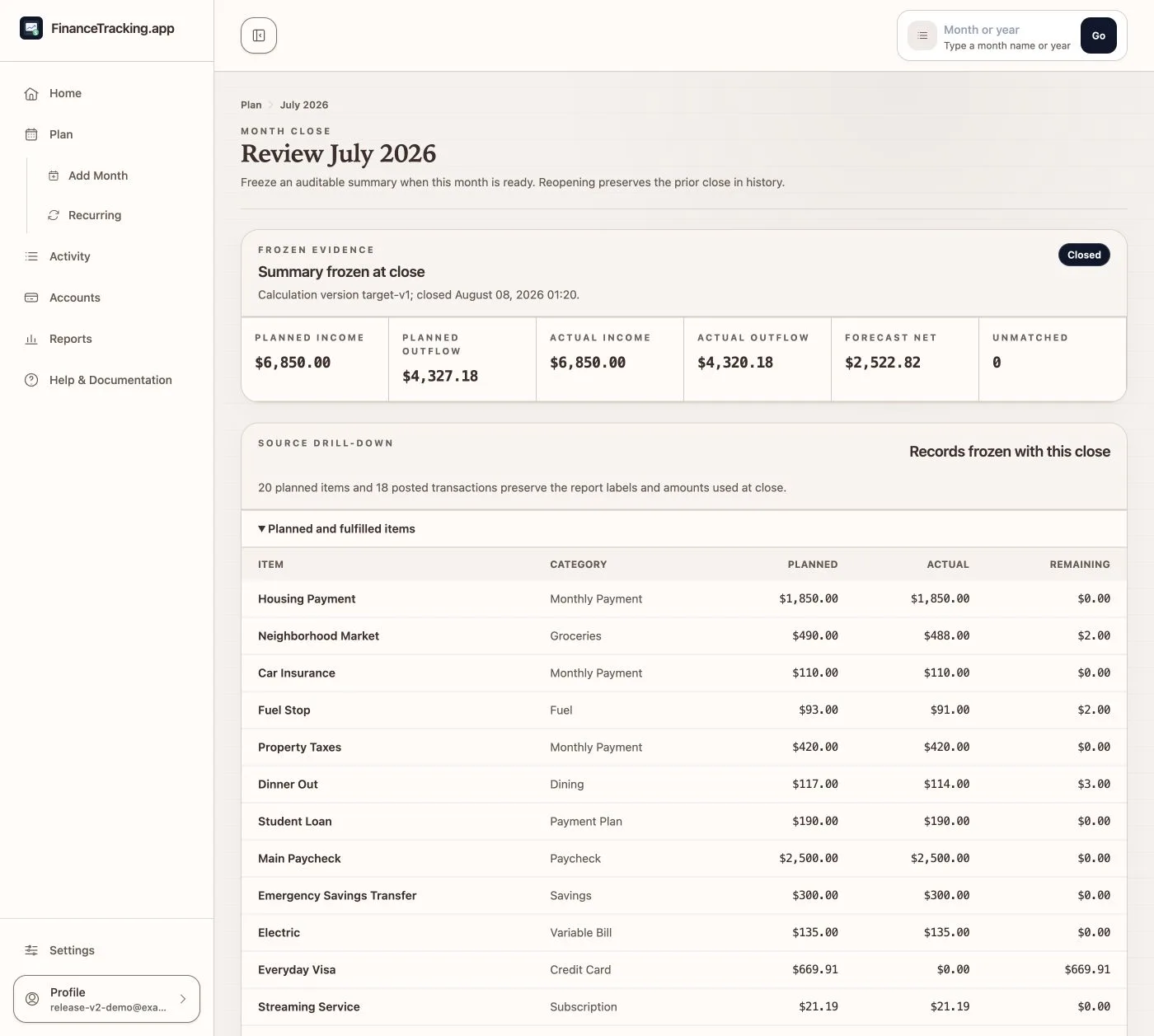
Close checks what still needs attention and saves the totals you reviewed. Reopen the month if you later need to correct a transaction.
Close or reopen a month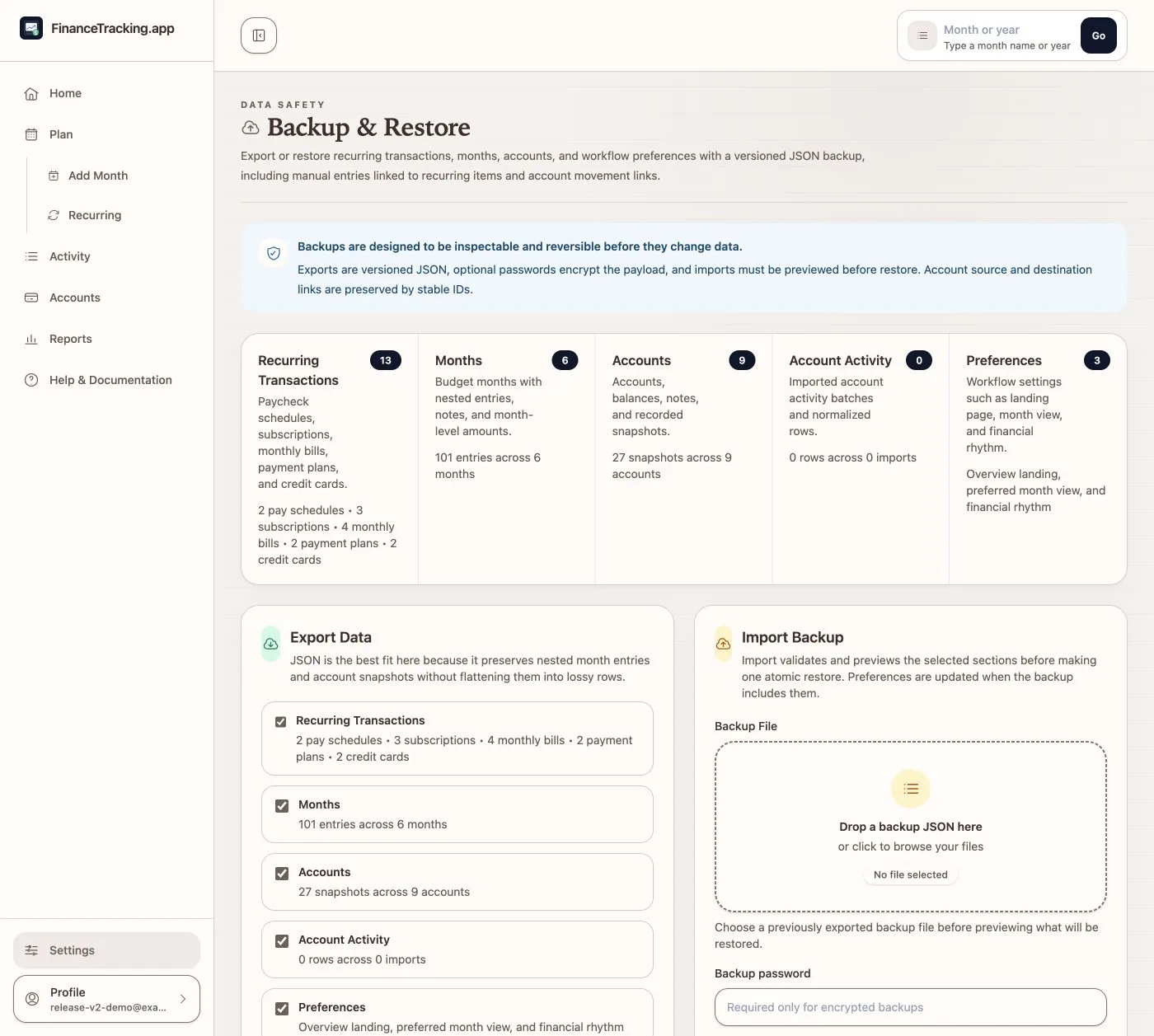
Backup & Restore keeps months, accounts, and transactions connected. Confirm a preview, let the restore continue in the background, and use the temporary encrypted safety copy if you need to undo it.
Review recovery